LAYERSAKE PRINT FARM

Download Print Farm

Get the Windows installer

Download Layersake Print Farm for Windows

  • Current version: 1.0.74.2-R1
  • File: LayersakePrintFarm-Setup.exe (82,828,192 bytes, about 83 MB)
  • Price: free to install. Every new install starts with a free 15-day Premium trial.
  • Release notes: all releases and changes

The link above always gives you the newest version.
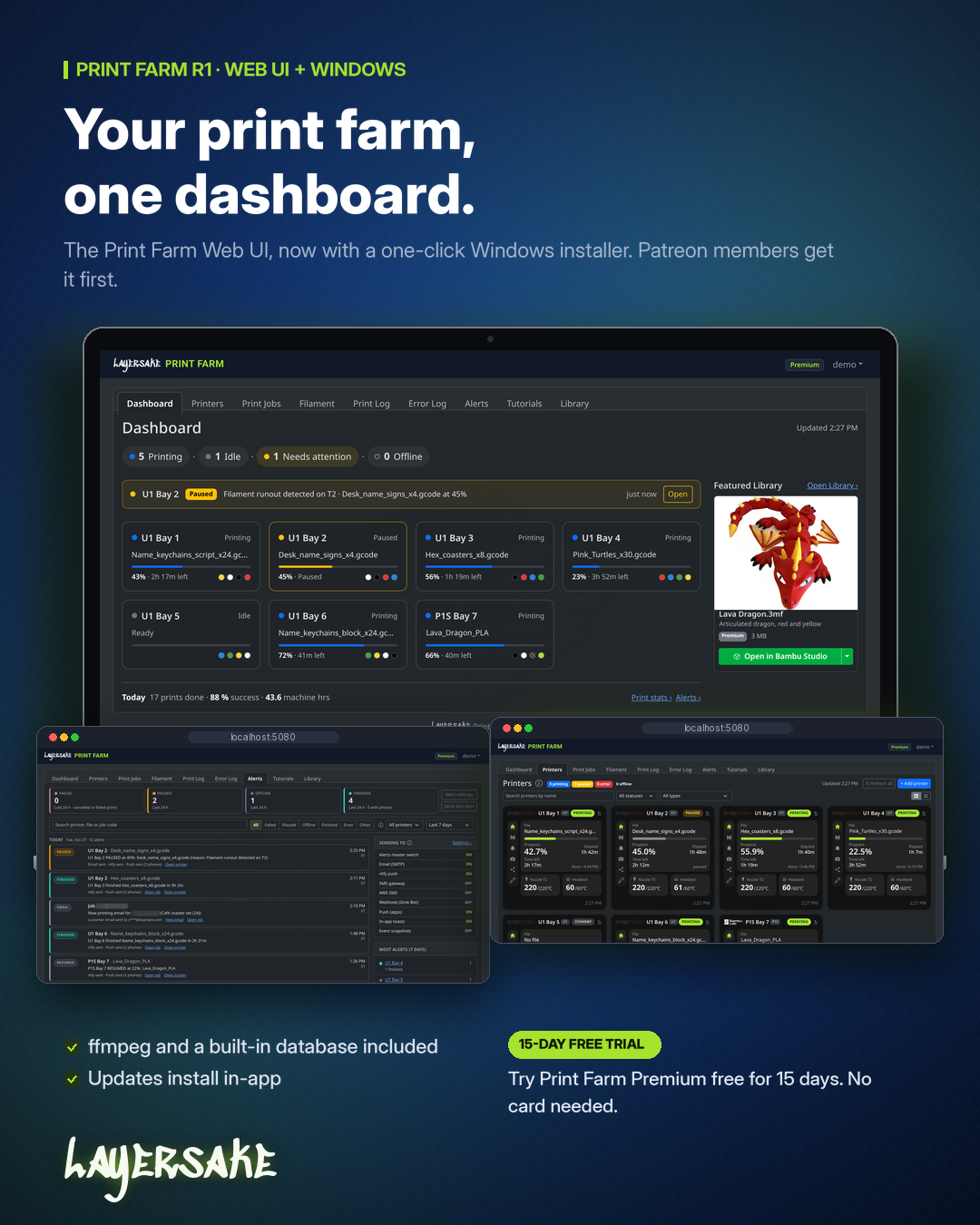
Print Farm web screens on a laptop, with the alerts and printers windows layered in front of the dashboard

System requirements

Windows 10 or Windows 11, 64-bit

Administrator rights to install

Your 3D printers on the same local network as the PC

No other software needed: .NET and ffmpeg (for Bambu Lab camera streams) are included

Installing in a few clicks

  • 1. Run the installer. Pick Typical to use the built-in database without any extra questions.
  • 2. Or choose Advanced. Use SQL Server or MySQL instead (with a Test connection button), and pick the port, install folder and data folder.
  • 3. Create your admin account. When setup finishes, Print Farm starts as a Windows service and your browser opens to create your admin account. Your free 15-day Premium trial starts then.
  • 4. Add your printers. Open Print Farm any time from the Start menu (Open Print Farm) or at http://localhost:5080.

Print Farm starts automatically with Windows and restarts itself if it stops. Setup adds a Windows Firewall rule so other devices on your private network can open it. IIS isn’t needed.
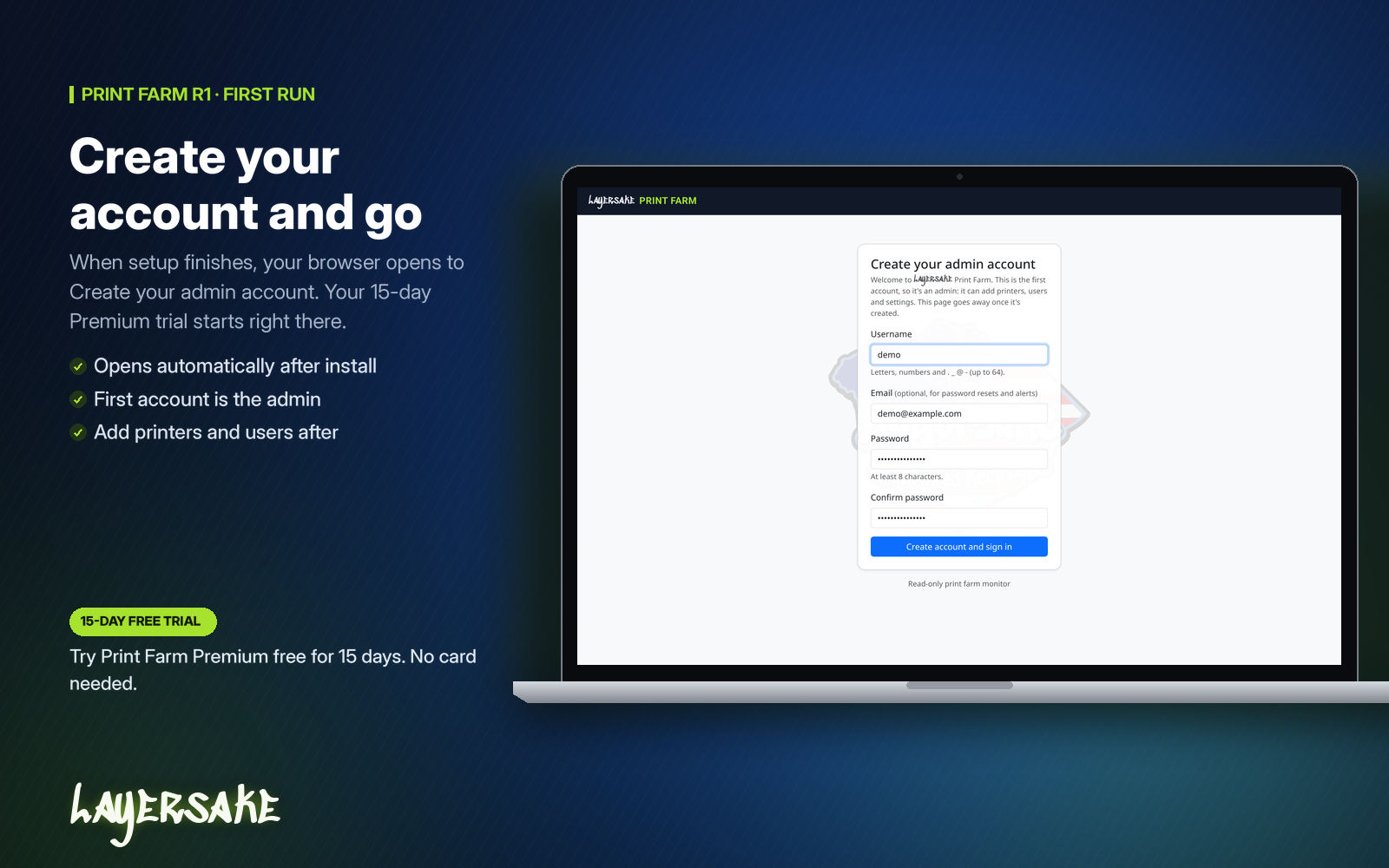
Print Farm first-run screen in a browser with the form to create the admin account

Updating and uninstalling

In-app updates: go to Settings > About > Check for updates. Admins can click Download & install and Print Farm updates itself.

Manual updates: run a newer installer over your current one. Your data, database settings and port are kept.

Uninstalling: this removes the app, service, shortcuts and firewall rule. It asks before deleting your data, and keeps it unless you say otherwise.

Try it first

See Print Farm in your browser with no install: open the live demo and sign in with demo / demo. The demo resets on every sign-in and every 30 minutes.

Phone apps

The Print Farm iPhone and Android apps are in development and aren’t available to download yet. Check back here for updates.
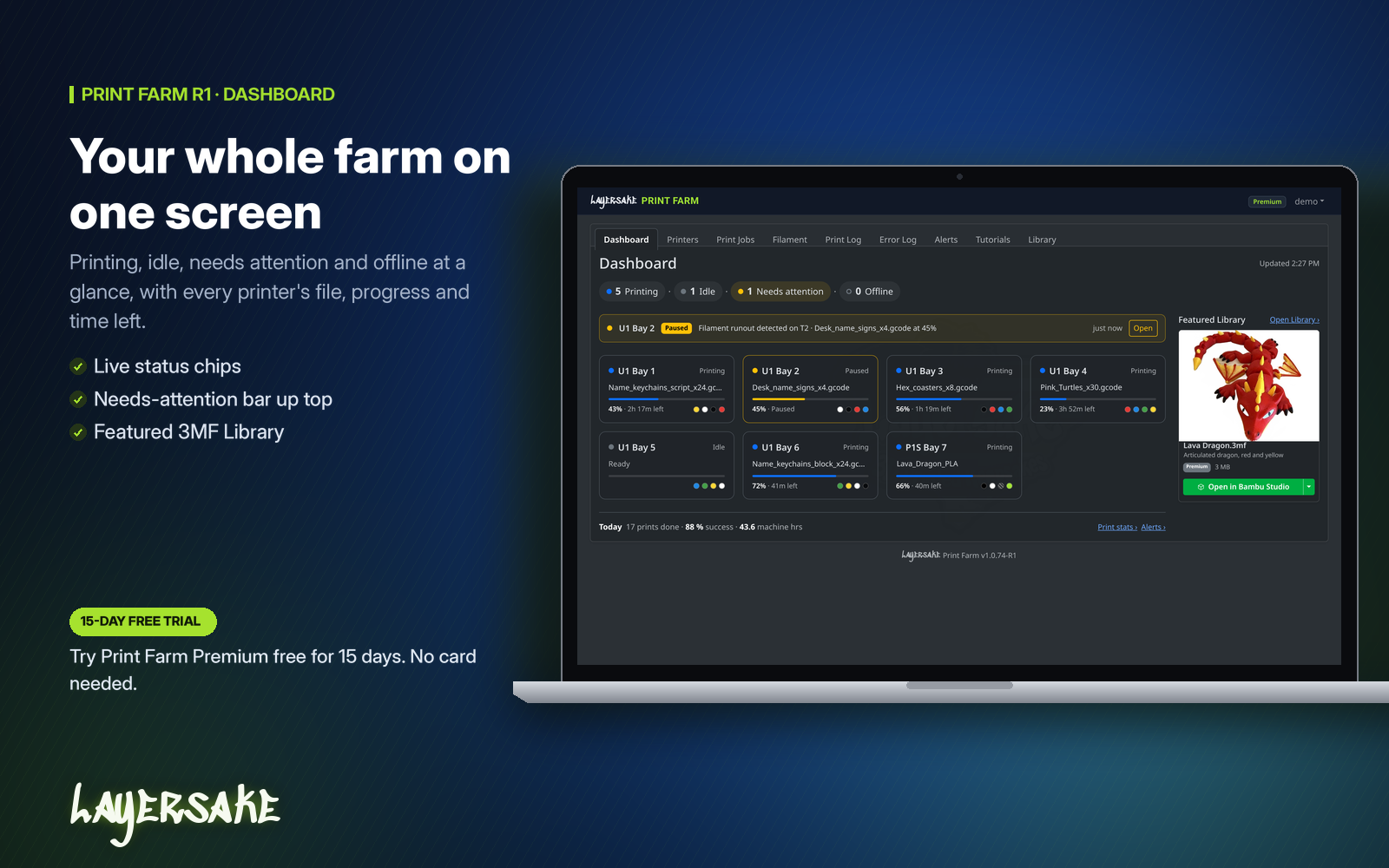
Print Farm dashboard showing printing, idle and offline counts, a filament runout warning and seven printer cards with progress bars

Have questions? See the Print Farm FAQ.
Company Info

© 2026 Created by OneDelve IT LLC

Back in Stock Notification We will inform you when the product arrives in stock. Please leave your valid email address below.