LAYERSAKE PRINT FARM
Download Layersake Print Farm for Windows
The link above always gives you the newest version.
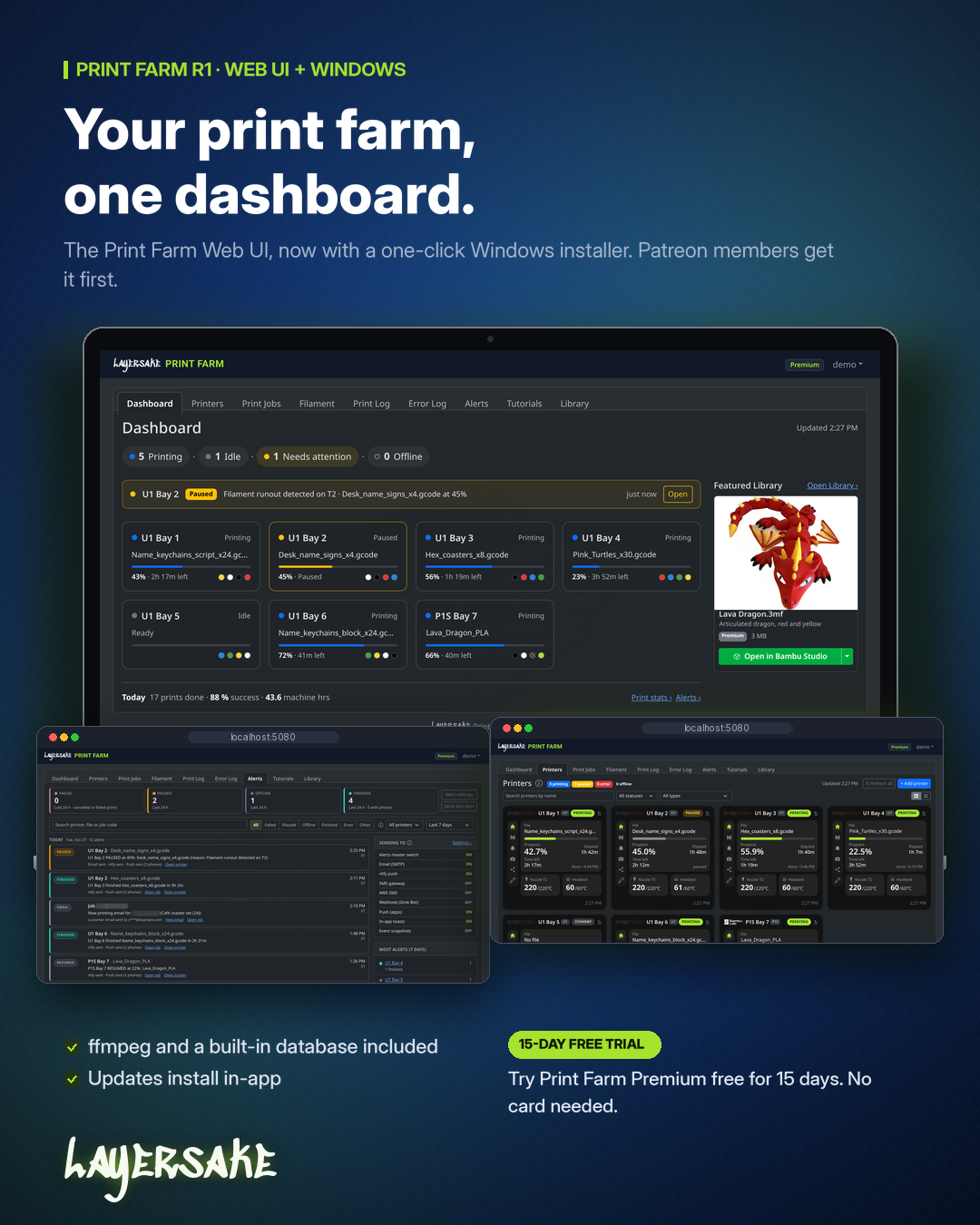
Windows 10 or Windows 11, 64-bit
Administrator rights to install
Your 3D printers on the same local network as the PC
No other software needed: .NET and ffmpeg (for Bambu Lab camera streams) are included
Print Farm starts automatically with Windows and restarts itself if it stops. Setup adds a Windows Firewall rule so other devices on your private network can open it. IIS isn’t needed.
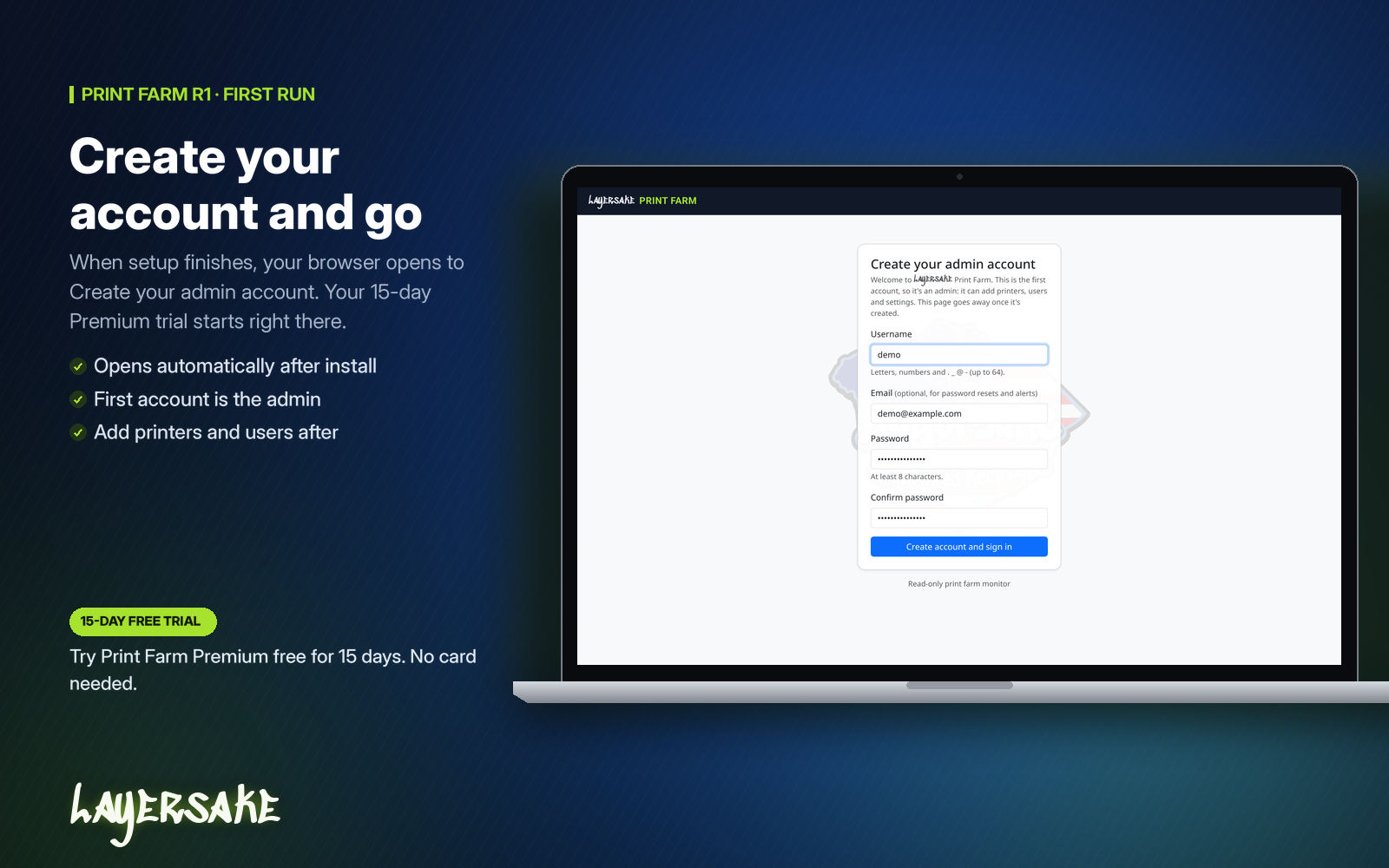
In-app updates: go to Settings > About > Check for updates. Admins can click Download & install and Print Farm updates itself.
Manual updates: run a newer installer over your current one. Your data, database settings and port are kept.
Uninstalling: this removes the app, service, shortcuts and firewall rule. It asks before deleting your data, and keeps it unless you say otherwise.
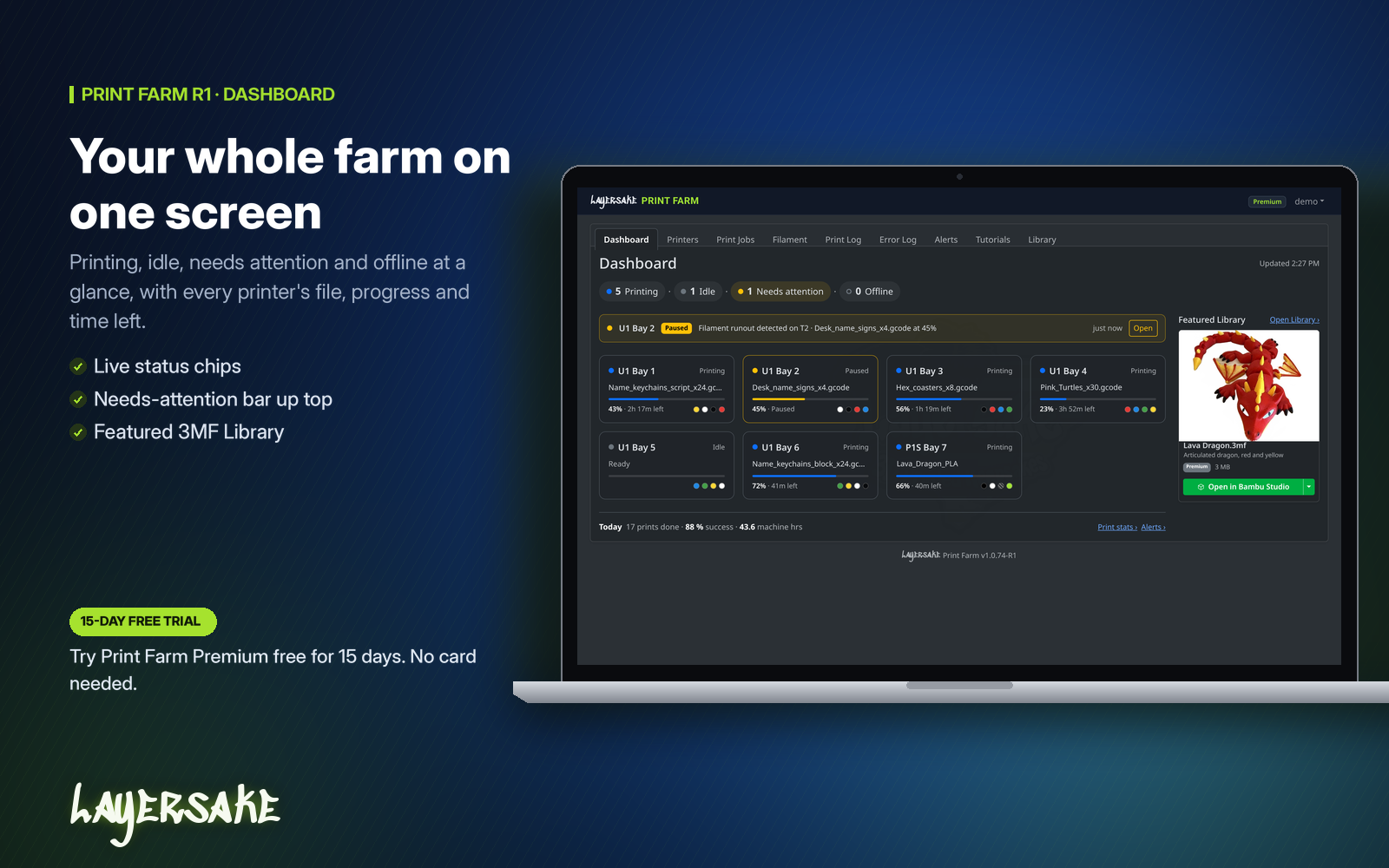
See Print Farm in your browser with no install: open the live demo and sign in with demo / demo. The demo resets on every sign-in and every 30 minutes.
The Print Farm iPhone and Android apps are in development and aren’t available to download yet. Check back here for updates.
Have questions? See the Print Farm FAQ.